
Globe/Fn Pro
Use the hardware Globe key for direct switching.
 Nythral Globe
Open-source macOS utility
Direct input source switching for macOS. Globe Pro uses the hardware Globe/Fn key, supports per-language shortcuts, and can fix selected text typed in the wrong keyboard layout.
Globe Pro beta 0.1.0-beta.30 for macOS 14 or newer.
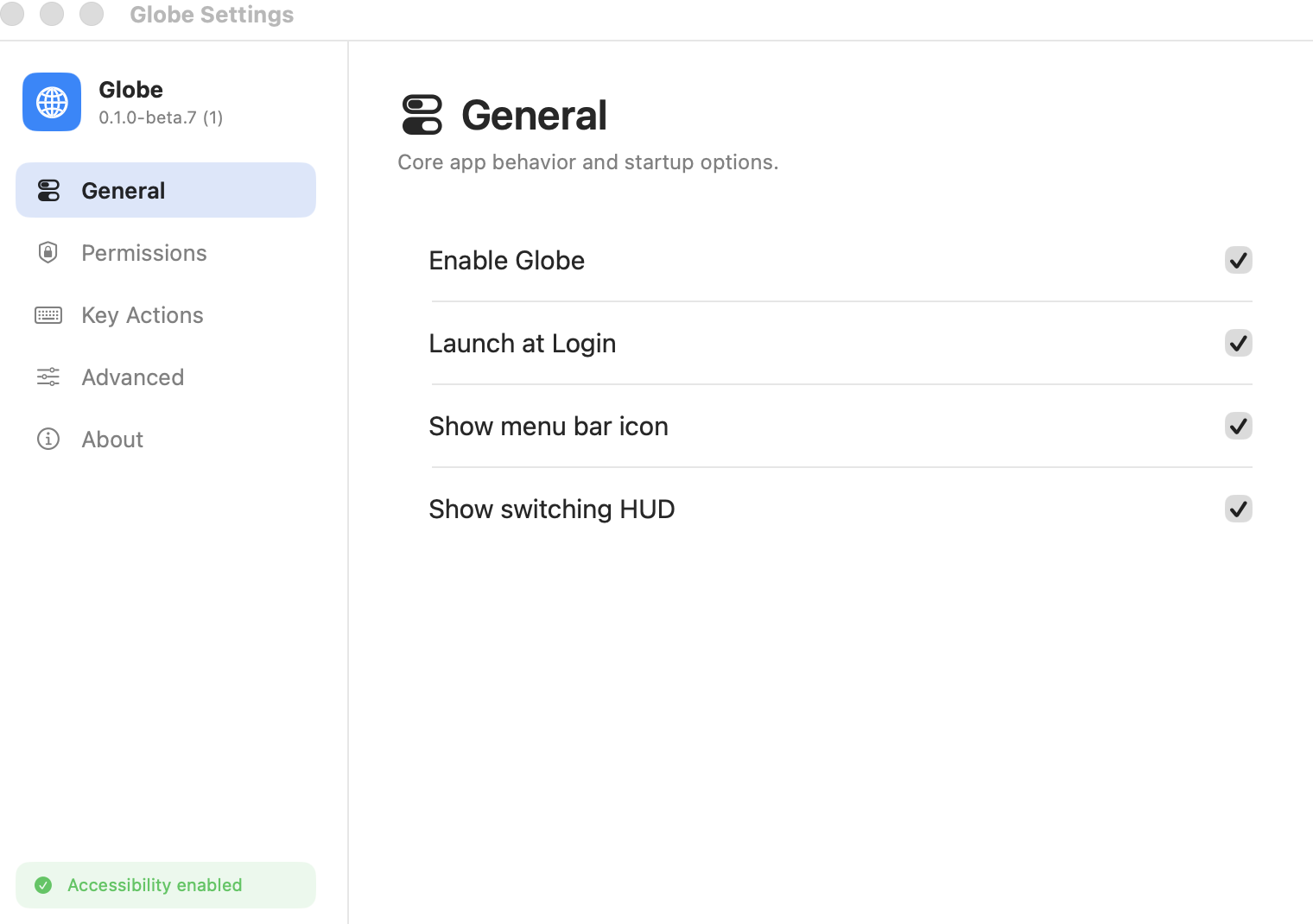
Use the hardware Globe key for direct switching.
Assign shortcuts like Control-1 to specific languages.
Select mistyped text and press the target language shortcut.
Single, double, and triple presses stay predictable.
Functionality
Globe turns language switching into direct, intentional actions without hiding what each distribution needs from the system.
First launch
The welcome flow explains the menu bar app, privacy boundary, Pro permissions, and the App Store shortcut path.
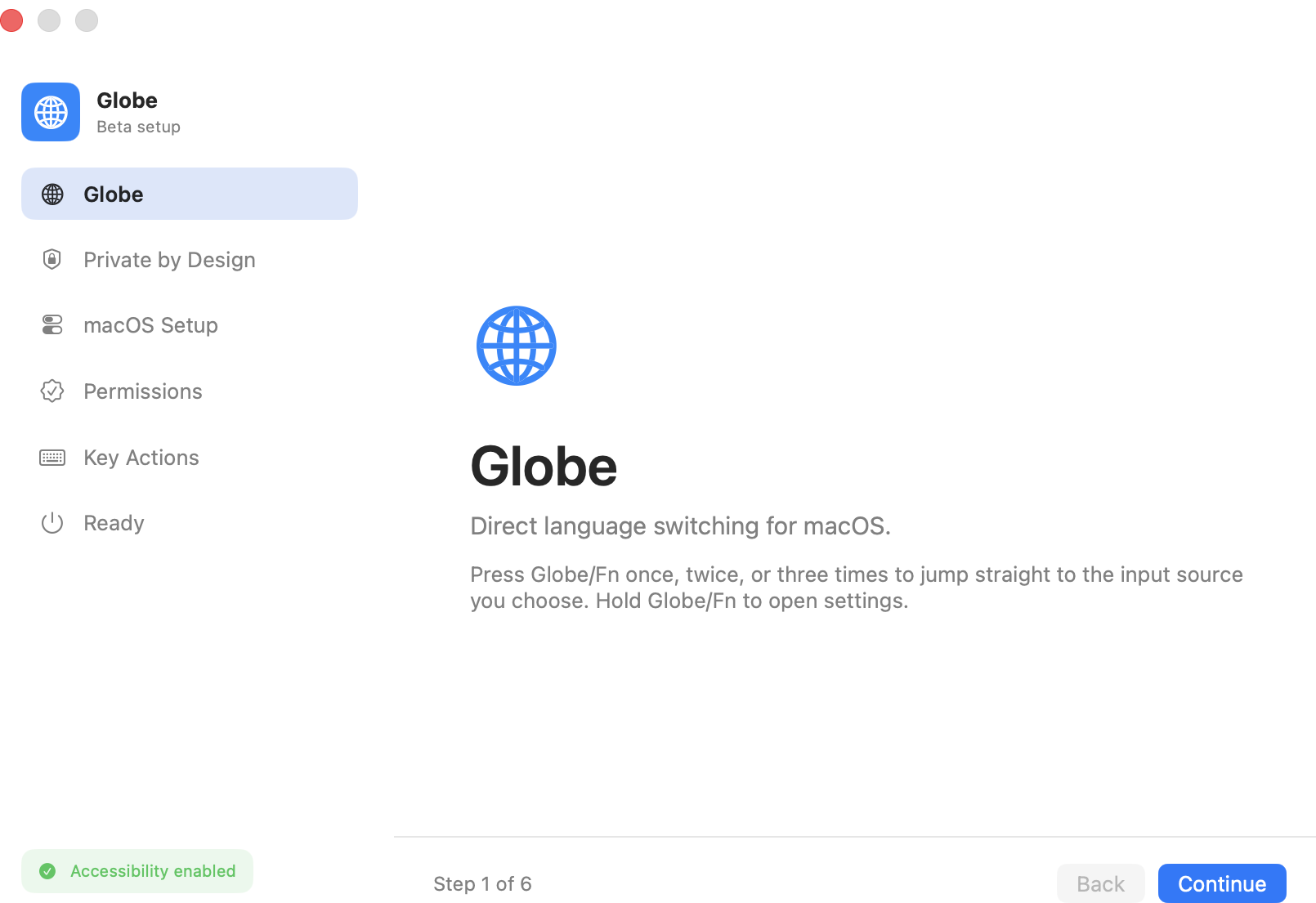
Pro permissions
Globe Pro shows permission state, opens the right System Settings pane, and confirms whether Globe/Fn events are visible.
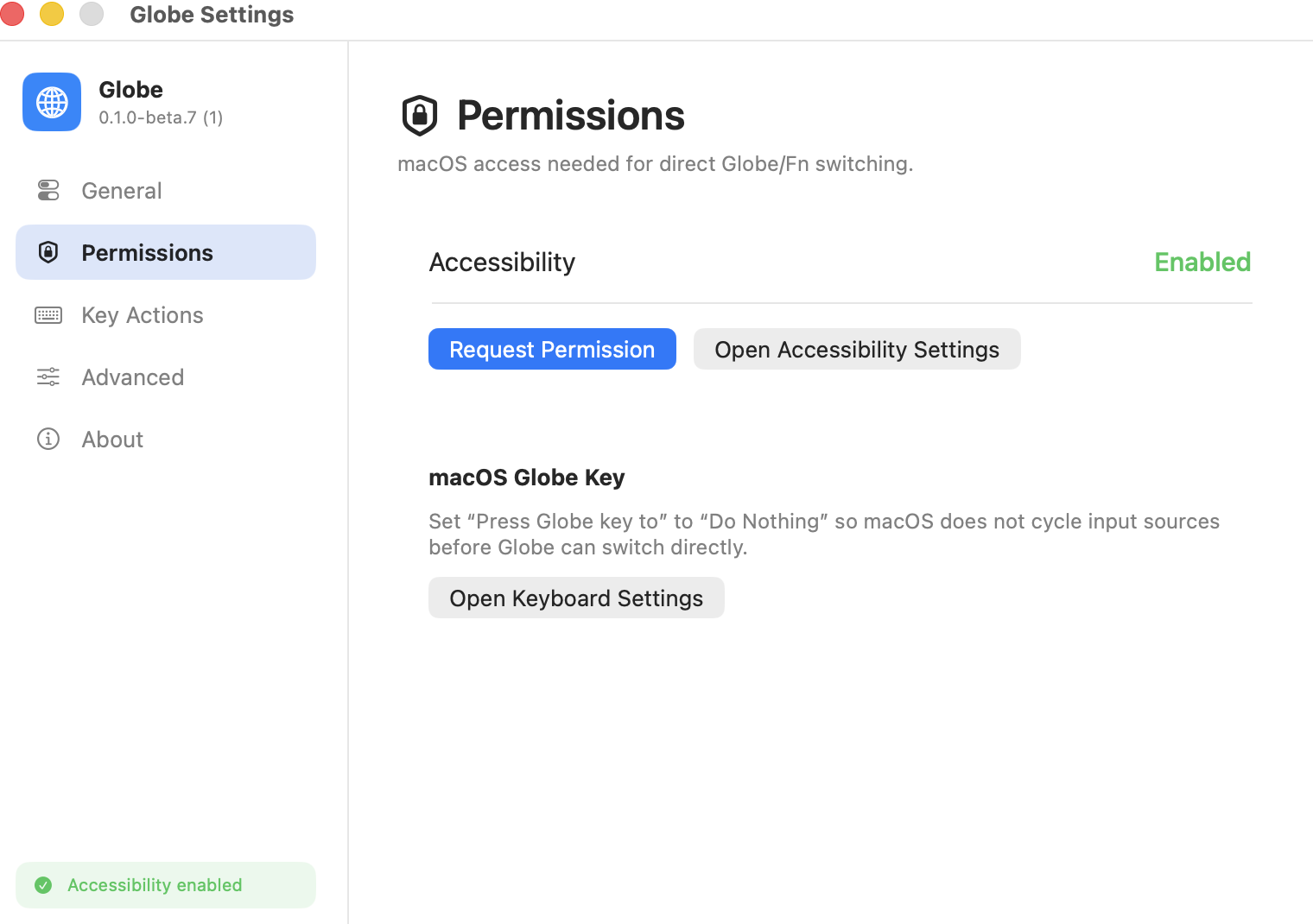
Key Actions
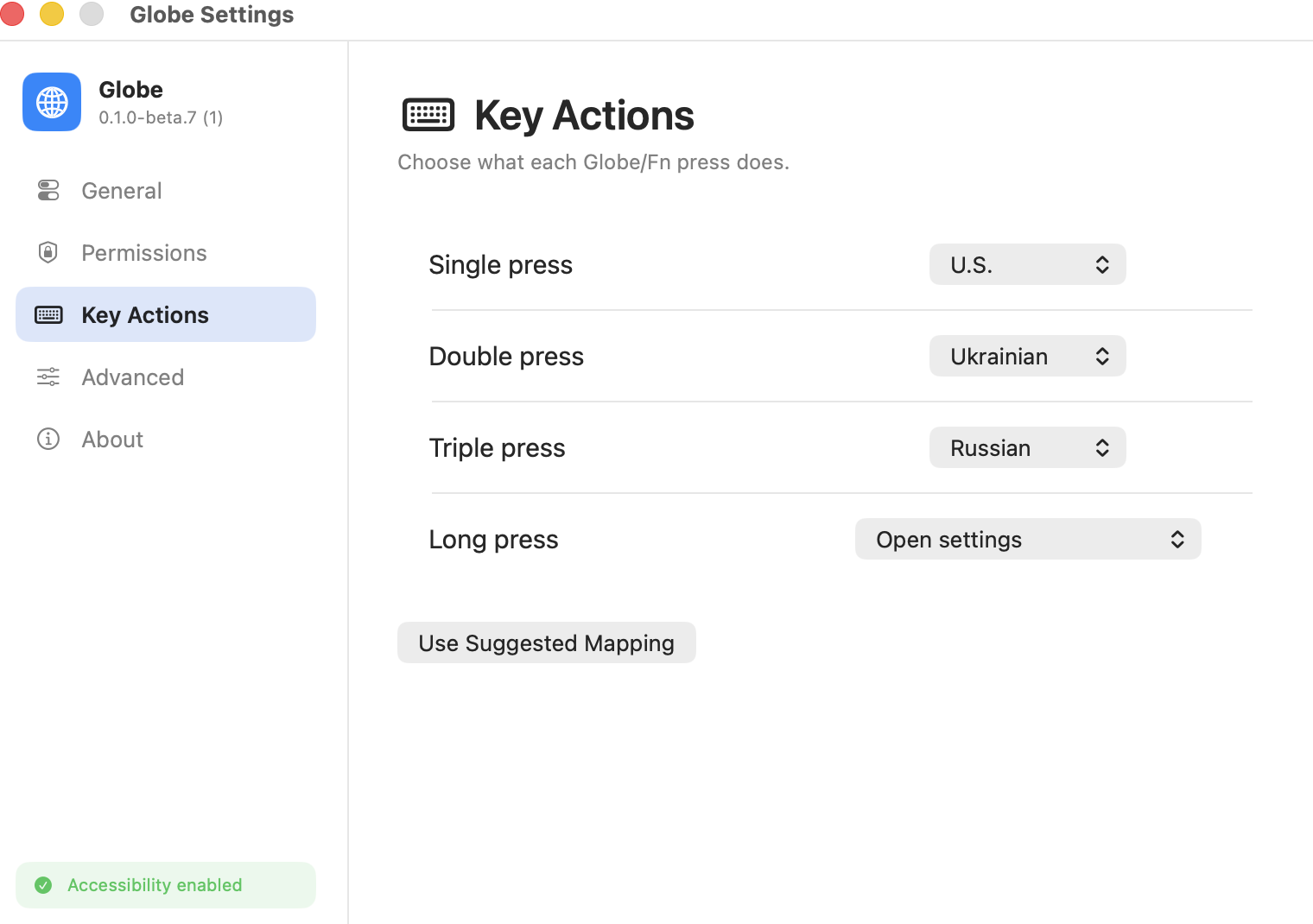
Assign installed input sources to single, double, and triple actions. The App Store edition can also bind direct shortcuts to individual languages.
Control center
Tabs keep the utility compact: launch options, timing, menu bar behavior, update checks, source links, and exportable diagnostics stay together.
Install
Globe Pro cannot silently change Apple-controlled permissions. The app guides you to the right places and gives you a built-in key test.
Privacy
Globe Pro only observes Globe/Fn key state changes and input source metadata needed for switching. Wrong-layout fixing uses the macOS clipboard briefly, restores the previous contents when safe, and does not store typed text. Local diagnostic logs do not include typed text.
Open source
The app code, packaging scripts, GitHub workflows, issue templates, and beta docs are available under the GNU GPLv3. Nythral names, icons, and official distribution branding are covered separately.
Native Swift app, App Store shortcut flavor, Pro installer, release notes, and CI.
FAQ
macOS requires permission for direct global Globe/Fn detection. Globe Pro does not record typed text.
The Mac App Store build avoids Input Monitoring and uses configurable global shortcuts like Control-Option-Z or Control-1.
It prevents macOS from cycling input sources before Globe can switch directly.
Globe checks GitHub Releases only when you ask. It downloads the signed PKG installer and opens it.
Use Report issue on GitHub. Include your macOS version, Globe version, and the input sources you configured.
Latest Pro beta
Pro download count loads from GitHub.
Native macOS app, signed Developer ID installer, open-source GPLv3 code.